Showing posts with label kitkat. Show all posts

KitKat Launcher Prime v1 6 0 APK

| 0 comments |


Apps Description:-

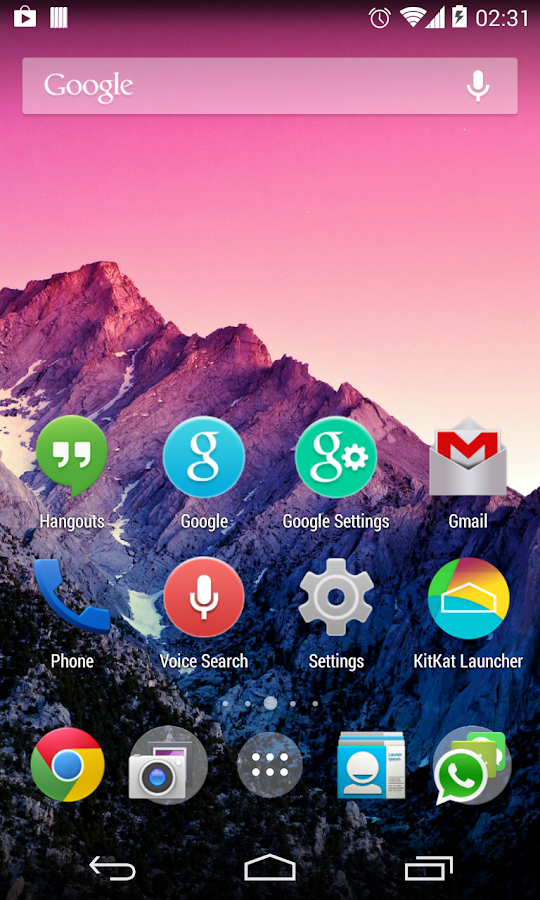
Android 4.4 (KitKat) Launcher.

+ Simple, Fast and Smooth!
+ Latest Android theme and experience.
+ Highly customizable homescreen.
+ Support icon packs. ( Nova/Apex icon pack fully compatible)
+ Support translucent top and bottom bar for android 4.4 and some devices with native support.
+ Nexus 5 wallpapers.
+ Supported android 4.0 or above.

Quick Start
* To enter edit mode , long-press the empty space of screen.
* To add new screen , long-press on an icon and drag it to the right border of screen.
* To re-order screens, long-press the screen in edit mode and drag it to left/right screen border.

ToDo:
* More customizable settings
* More transitions

Whats in this Version: (Updated: 4 December 2013)
+ Support Gesture
+ Desktop screen and App drawer transitions
+ Fix dock icons disappear issue

Requires Android: 4.0.3 and up

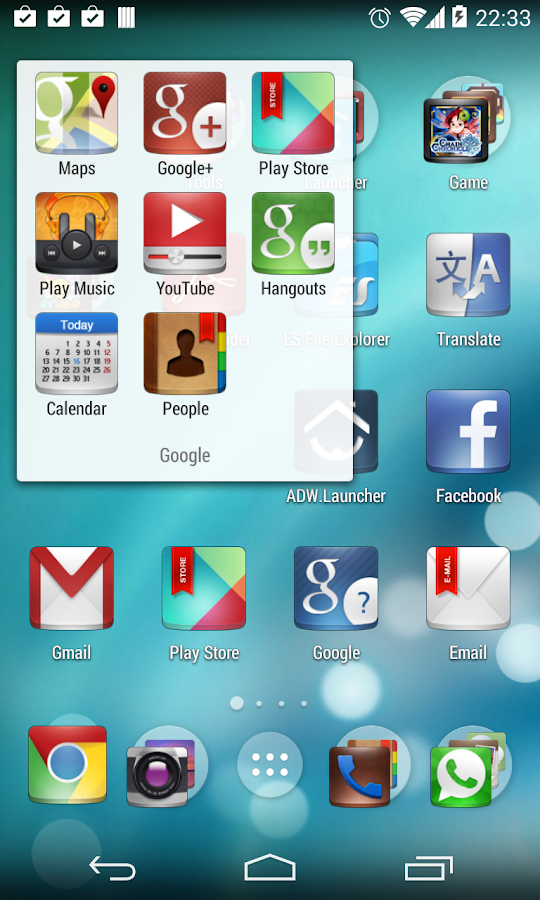
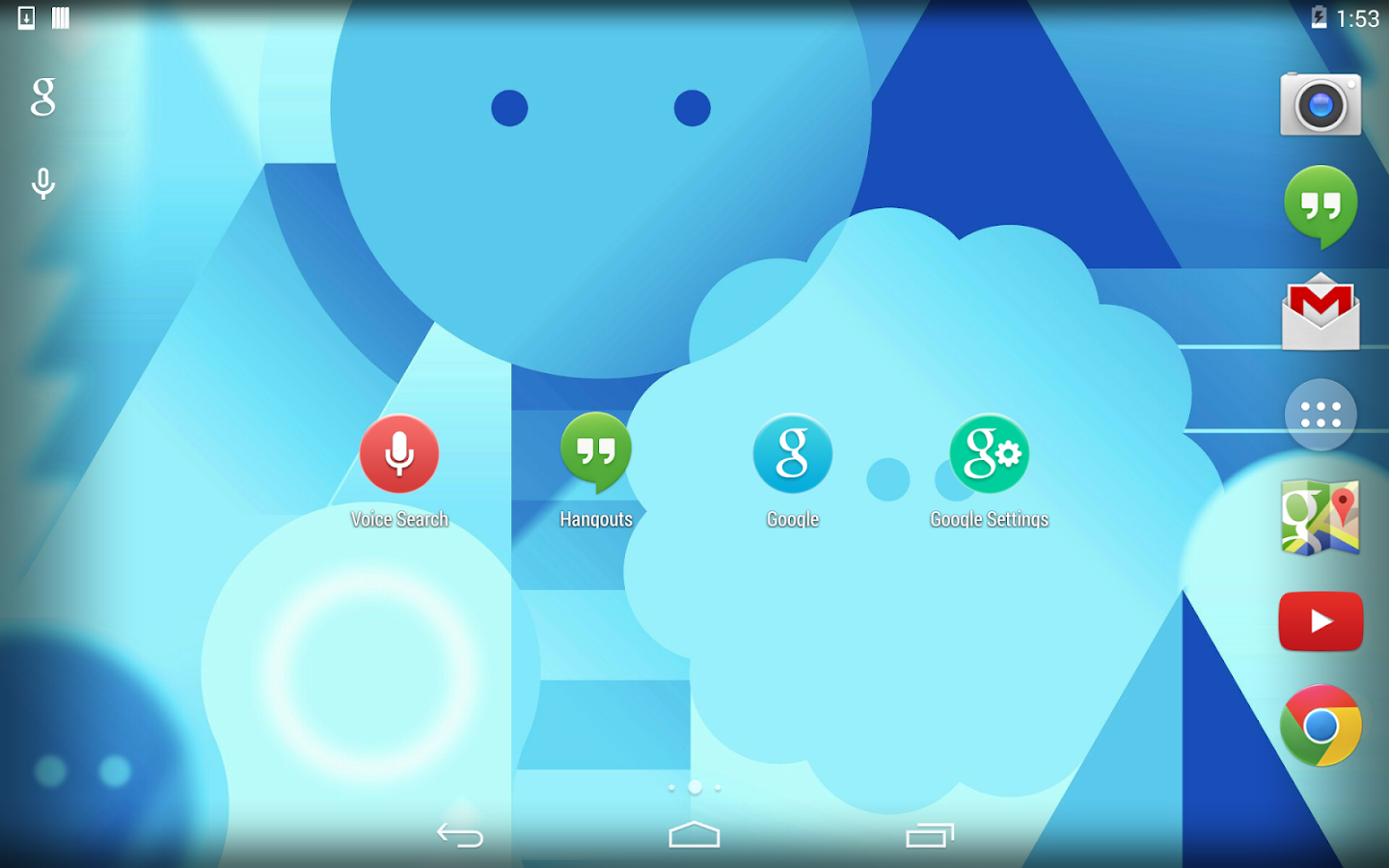
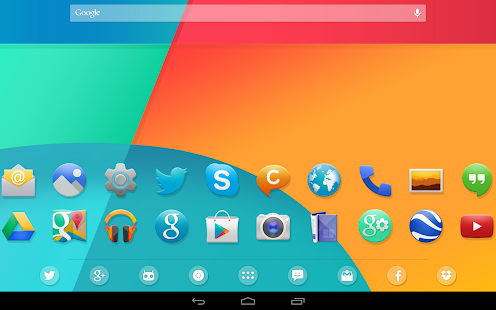
-:Screenshots:-

If You Want to Download the APK App: KitKat Launcher Prime - v1.6.0 APK for Android, Click on the Following Links (Wait 5 Secs and Then Click on "Skip Ad" to go to the Download Page).

-:Download Links:-
Google Play Link

-Sharebeast-
Download Now
Size: (16MB)
-------------
-Zippyshare-
Download Now
Size: (16MB)
Read More..

KitKat 4 4 Launcher Theme v1 97 Apk Full Version

| 0 comments |
Ultimate KitKat 4.4 Experience Launcher Theme is a brand new multi-launcher theme designed for all Android launchers, inspired by forthcoming Android 4.4 OS and the latest Nexus 5 leaks!
Size: 18 Mb | Android: 2.3 and up
Get the latest Android OS look with the most realistic Android 4.4 Theme on Google Play, featuring fully custom-designed icons, wallpaper, dock bars, folders, and much more!

Featuring FULL graphics support on Nova Launcher, Smart Launcher, Apex Launcher, TSF Shell, Next Launcher 3D, GO Launcher EX, ADW Launcher, ADWLauncher EX, Holo Launcher, SS Launcher, Atom Launcher, and many more!

Whats New:

v1.97 Update (11/23/2013):

Six new wallpapers added, now 40 custom designed KitKat Experience wallpapers to choose from!
New icon requests added, now over 650+ custom icons included, more coming soon!
Eight new folder background icon styles added, new text style icons added!
Updated icon designs for Gallery and Google Play Newsstand!
GO Launcher EX / HD dedicated version now available here: http://goo.gl/vYAuu3
 
v1.95 Update (11/17/2013):
New icon requests added, now over 600+ custom icons included, more coming soon!
Supporting graphics updates for Next Launcher, ADW Launcher, and GO Launcher EX.
GO Launcher EX / HD dedicated version now available here: http://goo.gl/vYAuu3
Added new icon requests added, now over 575+ custom icons included!
Updated icon designs for new Facebook Messenger and Google+ Photos icons.
Updated default ADW Launcher App Drawer icon.Six new wallpaper designs added, featuring multiple colors (Flagship, KitKat 4.4, Nexus) and styles (Flat/3D) to choose from with more coming soon!
Icon updates and new icon requests added. Now over 525+ custom KitKat 4.4 Experience icons included with more coming soon!
Added assets fix needed for Atom Launcher themes.
 

v1.93 Update (11/14/2013):
Added new icon requests added, now over 575+ custom icons included!
Updated icon designs for new Facebook Messenger and Google+ Photos icons.
Updated default ADW Launcher App Drawer icon.
Six new wallpaper designs added, featuring multiple colors (Flagship, KitKat 4.4, Nexus) and styles (Flat/3D) to choose from with more coming soon!
Please e-mail if you have any other questions, suggestions, or concerns.

v1.92 Update (11/12/2013):
Six new wallpaper designs added, featuring multiple colors (Flagship, KitKat 4.4, Nexus) and styles (Flat/3D) to choose from with more coming soon!
Please e-mail for fix for Atom Launcher issue, working to get this resolved.
Icon updates and new icon requests added. Now over 525+ custom KitKat 4.4 Experience icons included with more coming soon!
Please e-mail if you have any other questions, suggestions, or concerns.

v1.97 APK FILE: HERE
v1.95 APK FILE: HERE
v1.93 APK FILE: HERE
v1.92 APK FILE: HERE
v1.82 APK FILE: HERE

Google Play
Read More..

How to Root Galaxy Note 3 LTE N9005 on Android 4 4 2 KitKat Firmware

| 0 comments |
Samsung has rolled out Android 4.4.2 KitKat update for the LTE version of Galaxy Note 3 (SM-N9005). The new official firmware is currently available as an Over-The-Air (OTA) update as well as through Samsung KIES.

Samsung Galaxy Note 3 (LTE) N9005 users who have already updated their devices with Android 4.4.2 KitKat, may root their devices using the tutorial below.

This tutorial uses CF-Auto-Root file released by Senior Recognized XDA-Developers, Chainfire. Head over to the CF-Auto-Root main thread to learn more about the root method.

Disclaimer: Rooting voids the warranty of your device. We and the developer of this rooting procedures shall not be held responsible if any undesirable outcomes may happen to your device. use of this root guide is solely at your own risk!

Note: This method will trip the KNOX warranty void status.

Pre-requisites
1. Install USB Driver for Samsung Galaxy Note 3 on the computer.
2. Enable USB Debugging Mode on the phone. Go to Settings >> About Phone. Tap on Build Number several times till the message shows "You are now a Developer". Then enable USB debugging by navigating to Settings >> Developer Options.
3. Make a backup of all your important data before following the guide.
4. The Galaxy Note 3 should be factory unlocked and not locked to any particular carrier.
5. Ensure the battery of the phone is charged more than 80 percent.
6. The CF-Auto-Root file works only on the LTE version of Samsung Galaxy Note 3 (SM-N9005). Applying this to any incorrect variant might brick the device. Verify the model number of the Galaxy Note 3 by navigating to Settings >> About Phone.

Files Required
1. CF-Auto-Root for Galaxy Note 3 (LTE) N9005 (CF-Auto-Root-hlte-hltexx-smn9005.zip)
2. Odin 3.07 (Mirror Link)

Steps to Root Galaxy Note 3 (LTE) N9005 Running on Android 4.4.2 KitKat Firmware
Step 1: Extract CF-Auto-Root and Odin 3.07 files using WinRAR/7-Zip/WinZip or any other extracting tool.
Step 2: Switch off the Galaxy Note 3. Then boot the device into Download Mode by pressing and holding Volume Down, Home and Power buttons together until a construction Android robot icon with a warning triangle appears on screen. Now press the Volume Up button to enter Download Mode.
Step 3: Launch Odin on the computer as an Administrator.
Step 4: Connect the Galaxy Note 3 to the computer using USB cable while it is in the Download Mode. Wait until Odin detects the device. When the device is connected successfully, the ID: COM box will turn to light blue with the COM port number. Additionally, the successful connected will be indicated by a message saying Added.

Note: If the Added message does not appear, then try re-install USB drivers or changing the port on the computer.

Step 5: In Odin, click the PDA button and select the CF-Auto-Root-hlte-hltexx-smn9005.tar.md5 file.
Step 6: Verify that Auto Reboot and F. Reset Time checkboxes are selected in Odin. Also, ensure the Re-Partition option is NOT selected.
Step 7: Double-check and click Start button in Odin. The installation process will now begin.
Step 8: Once the installation process completes, your phone will restart and soon you will see a PASS message with green background in the left-most box at the very top of the Odin. You can now unplug the USB cable to disconnect your device from the computer.

Samsung Galaxy Note 3 (LTE) N9005 running on Android 4.4.2 KitKat is now rooted successfully. You can now install any app that requires root permission. Verify the root status of the device by downloading Root Checker app from Google Play Store.

Note: Many Samsung devices store a flash counter that keeps track of how many times you have flashed custom firmwares to your device. Triangle Away can be used to reset the flash counter to zero.

How to Fix "Unfortunately, SuperSU has stopped"?
Step 1: Download and install the latest APK of SuperSU on your device.
Step 2: Open SuperSU app (update the binary if prompted) and allow it to disable KNOX.
Step 3: Reboot your device.

Thanks to all fellas at XDA who first tried out this rooting technique. This method was originally posted via XDA-Developers original thread.

Read More..